The parts you should refuse to automate
The one-page filter for your own offers and client requests: effectiveness over efficiency, the customer-feels-it test, and the keep-human list.
💡 Dotted words are definitions
Underlined terms have plain-English definitions. Hover on desktop, tap on mobile.
✅ Quizzes keep score
Each section ends with a check. Your teacher-agent takes follow-up questions any time.
Automating the core is a false economy
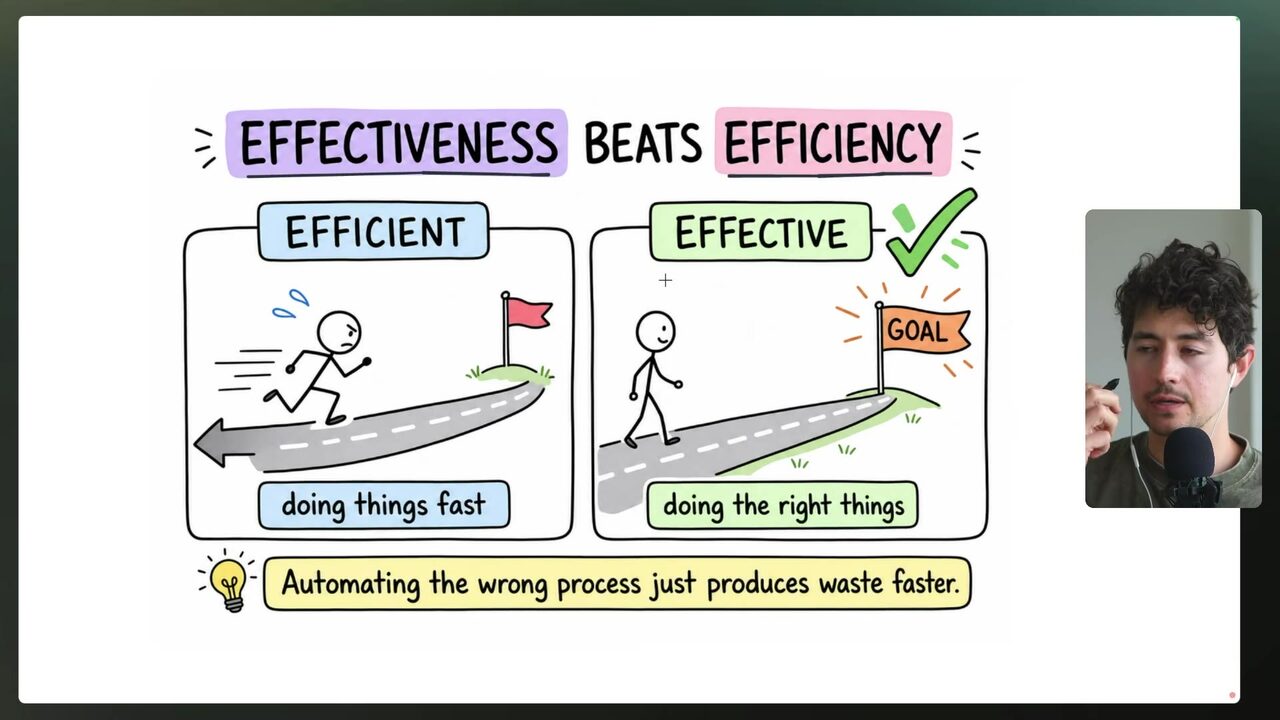
Efficiency and effectiveness sound like the same target until a real offer shows up. Efficiency is doing things fast and cheap; effectiveness is doing the right things and allocating resources where they actually move the needle of the organization 5:53:39. The speaker's cautionary case is a private equity firm that works with blue-collar businesses — electricians, junk removal, movers — and wanted to automate an hour per week of due-diligence phone calls with prospective business owners. He advised against it, because that call is the core activity that makes the firm its money 5:53:39.
The arithmetic is brutal if you frame it right: if the only way you make money is jumping on calls with prospective blue-collar businesses to determine eligibility, automating that for a one-hour-per-week savings makes no sense 5:55:09. The speaker does many things manually by choice; the only work he does manually is full-attention work — recording videos like this course, and going on sales calls with mid-market and enterprise businesses where his presence materially changes the probability of the deal 5:55:09. Anything where your presence changes the outcome is effectiveness territory; efficiency gains cannot justify touching it.
Why did the speaker advise the private equity firm not to automate its due-diligence calls?
Automate the invisible, keep the visible
The useful automation surface is larger than most agencies assume. Things worth automating include routine data entry — such as enriching personalized icebreakers in the scraping flow, which the speaker claims frees 40–50 minutes a day — first-draft copy, ad creative at scale (tens to thousands of images, videos, and copy pieces), reporting, and scheduling 5:56:41. The exclusion list is short and sharp: the production of the final creative asset itself, client relationships, and the delivery of bad news from reports 5:56:41.
Within that excluded zone, AI still earns a seat at the drafting table. Use AI as an ideation and concept-spec tool for creative — you pick the concepts that make the most sense, upgrade them a bit, and push them live 5:58:12. The machine drafts the raw material; the human owns the final call.
Which item belongs on the speaker's do-not-automate list?
The moments that make or lose money stay human
The clearest failure mode is treating a report as a deliverable. Using the signals feature from the dashboard to automatically email a client their monthly signals is, in the speaker's words, a terrible idea — that review is likely one of the core moments where you make or lose money, so you should sit down and meet with the client in person 5:58:12. Treat that monthly review as a signals meeting, not a scheduled email.
The same logic shapes even the smallest touches. A good appointment-setting flow asks "Hey, I think we have time on Tuesday or Wednesday, does 2 p.m. work for you?" rather than lazily sharing a calendar link, because it makes the client feel human 5:59:43.
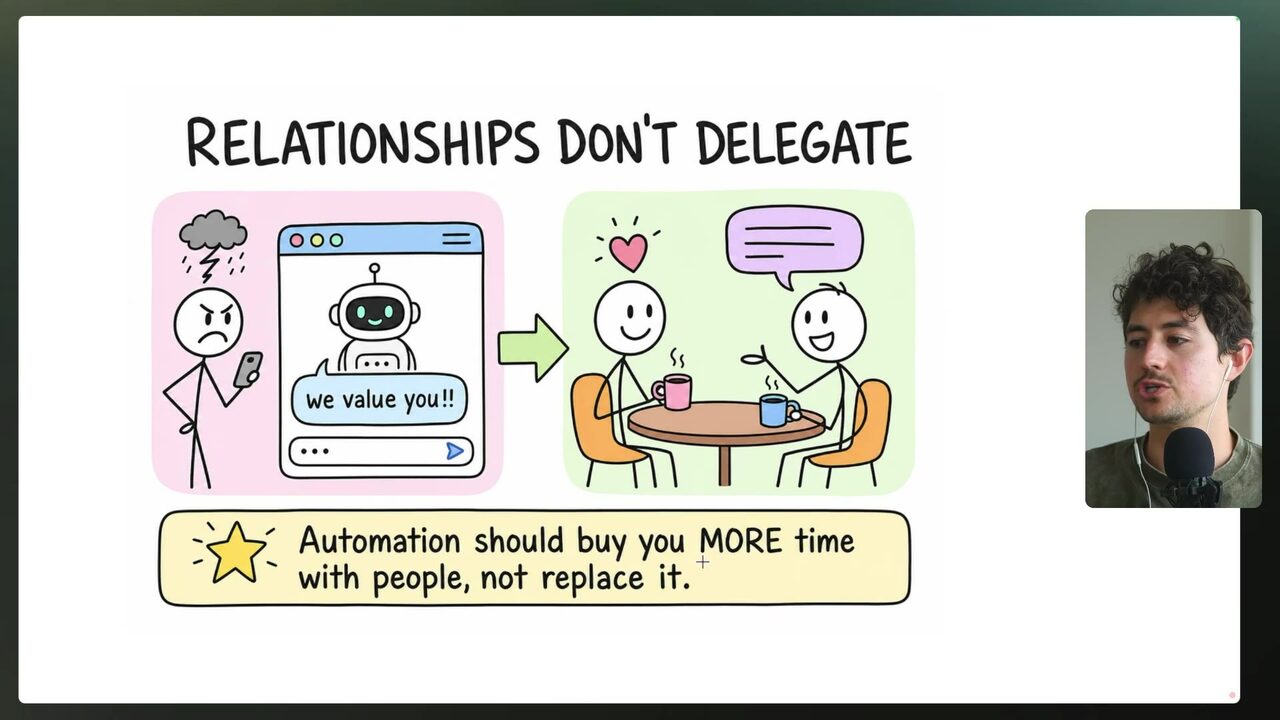
The governing principle, stated plainly: automation should buy you more time with people; it should not replace the time you have with people 5:59:43.
Why does the speaker call auto-emailing a client their monthly signals a terrible idea?
Two questions decide what gets automated
Compress the judgment into a filter you can run on every request. Question one: does the customer actually feel this process? Question two: is it a frontline activity where you sit down and talk, or is a relationship at risk? If the answers are no, you are usually good to automate it; if a real relationship is involved, automate it but QA by hand with your taste applied — call that automated-with-QA 5:59:43.
The test in practice is the message's payload. "Hey Pete, can you check in on the invoice?" is a logistical message — safe to automate. "Hey Pete, I'd love to schedule a call to talk about XYZ" is a relationship-based message — worth keeping human 6:01:14.
The urgency is real because over-automation is the pattern the speaker sees most often: automation is his whole business model, yet people over-automate tremendously and he has seen many downsides 6:01:14. And the filter cuts both ways — if a candidate for automation would really help and make a big bottom-line impact, that is something worth keeping human 6:01:14.
According to the filter, when is a process usually safe to automate fully?
Build your automate-or-not filter
Turn the filter into a one-page instrument your agency runs any offer or client request through. Name three lanes. Lane 1 — never automate: frontline activities, relationship-carrying messages, the core activity that makes the money, the delivery of bad news, and anything whose automation would make a big bottom-line impact; keep those human 6:01:14. Lane 2 — automate with human QA: real-relationship work that is logistics-heavy, such as preparing the monthly signals meeting or drafting follow-ups that still get your eyes before send 5:59:43. Lane 3 — automate fully: invisible back-office work — routine data entry, first-draft copy, ad creative drafts, reporting, and scheduling 5:56:41.
For every request, run the two gates: does the customer feel this process, and is a relationship at risk? No/no routes to lane 3; yes/no routes to lane 2; yes/yes routes to lane 1. That is your offer filter — it qualifies which automations you propose to clients and which client requests you push back on. The speaker's closing caveat stands behind the whole instrument: people over-automate tremendously, so make the keep-human lane as easy to choose as the automate lane 6:01:14.
The course closes by pointing viewers toward Maker School, the speaker's 90-day AI business program, which he claims guarantees one customer or your money back — a promotional claim the ledger flags rather than a figure to model from 6:02:45. The filter is the deliverable you keep.
Which client request should your one-page filter route to the never-automate lane?
Your score
One-sentence summary
A two-question filter — does the customer feel the process, and is a relationship at risk? — that separates what your agency automates from what it keeps human.
Glossary
Every term marked with a dotted underline above. Skim it, or search the page for a word.
Ideas worth stealing into your own setup
Proposals, not done deals: nothing gets added to your system until you choose it.
01 Qualification screen for automation proposals
- Saw
- The two-question filter at 5:59:43 and the never-automate lane at 6:01:14.
- Why
- Lets Anthony's agency route every client request through the filter before scoping, so efficiency never outranks effectiveness.
- Form
- A one-page filter added to the discovery and proposal workflow.
- Source
- 5:59:43 in the video
02 'Kept human' clause in retainers
- Saw
- The speaker's manual-by-choice work at 5:55:09 and the signals-meeting rule at 5:58:12.
- Why
- Sets expectations that monthly reviews, bad-news delivery, and enterprise sales calls stay human — protecting both the relationship and the agency's premium.
- Form
- A scope-of-work section listing what the agency will never automate for a client.
- Source
- 5:55:09 in the video
03 Bad-news delivery routing rule
- Saw
- The do-not-automate list at 5:56:41, including the delivery of bad news from reports.
- Why
- Gives the team a hard rule for which dashboard outputs require a human call instead of an auto-email — de-risking retention.
- Form
- A routing condition in the reporting automation's code.
- Source
- 5:56:41 in the video